
Local SEO blog
My Website Doesn't Show Up on Google, Here Is What to Do About It, Updated October 2026
Last updated

A client came to me recently because their business did not show up on Google. Even when someone searched the brand name. Their brand name. I ran a technical audit and found a major website problem, the kind that never shows up in a dashboard review. If my website doesn’t show up on Google, I start with three checks: does Google know the site exists, can it crawl the pages, and is it allowed to index them. Most common causes are fixable, and you can check many of them yourself in under an hour.
First, work out if the problem is indexing or ranking. Search site:yourdomain.com as a quick check, then inspect your homepage and key pages in Google Search Console. A page can be indexed and still rank too low for the search you tried. Google’s guide to pages missing from Google Search walks through the main checks.
Cause one Google does not know your site exists
A brand-new site may simply be new to Google. The same can happen when nobody has verified the site in Search Console, submitted a sitemap, or requested indexing for important pages.
Verify your website property in Search Console. Submit your XML sitemap if your platform provides one, then use URL Inspection to check the homepage and the pages you care about. If Google has not discovered a page, you can request indexing from the tool. Google’s URL Inspection documentation explains how to view indexing details, test a live URL, and submit a request.
A sitemap and indexing request help Google find pages. Neither one promises a specific crawl date or inclusion in search results. Make sure your key pages also have regular links from your navigation or other pages on your site. Google needs a path to follow.
Cause two your site is blocking Google
A setting meant for a private test site can survive a launch. It happens more than anyone admits. I’ve seen website setups where a robots.txt rule blocks important sections, a noindex tag gets left on after development, or a password-protected staging site is still the version visitors reach. The launch checklist never caught it, because nobody had one.
Check your robots.txt file by visiting yourdomain.com/robots.txt. Look for rules that block the entire site or important sections. Then inspect the homepage and a few key pages in Search Console. The report can show if Google is allowed to crawl the page and if indexing is allowed.
These settings do different jobs. Robots.txt controls crawling. A noindex directive tells a crawler that can access the page to leave it out of search results. Google’s crawling and indexing FAQ explains common issues, including sites that block crawling or indexing.
If you find a block, ask your developer or platform support to check the setting before changing it. Some pages, such as private account areas, are meant to stay out of search.
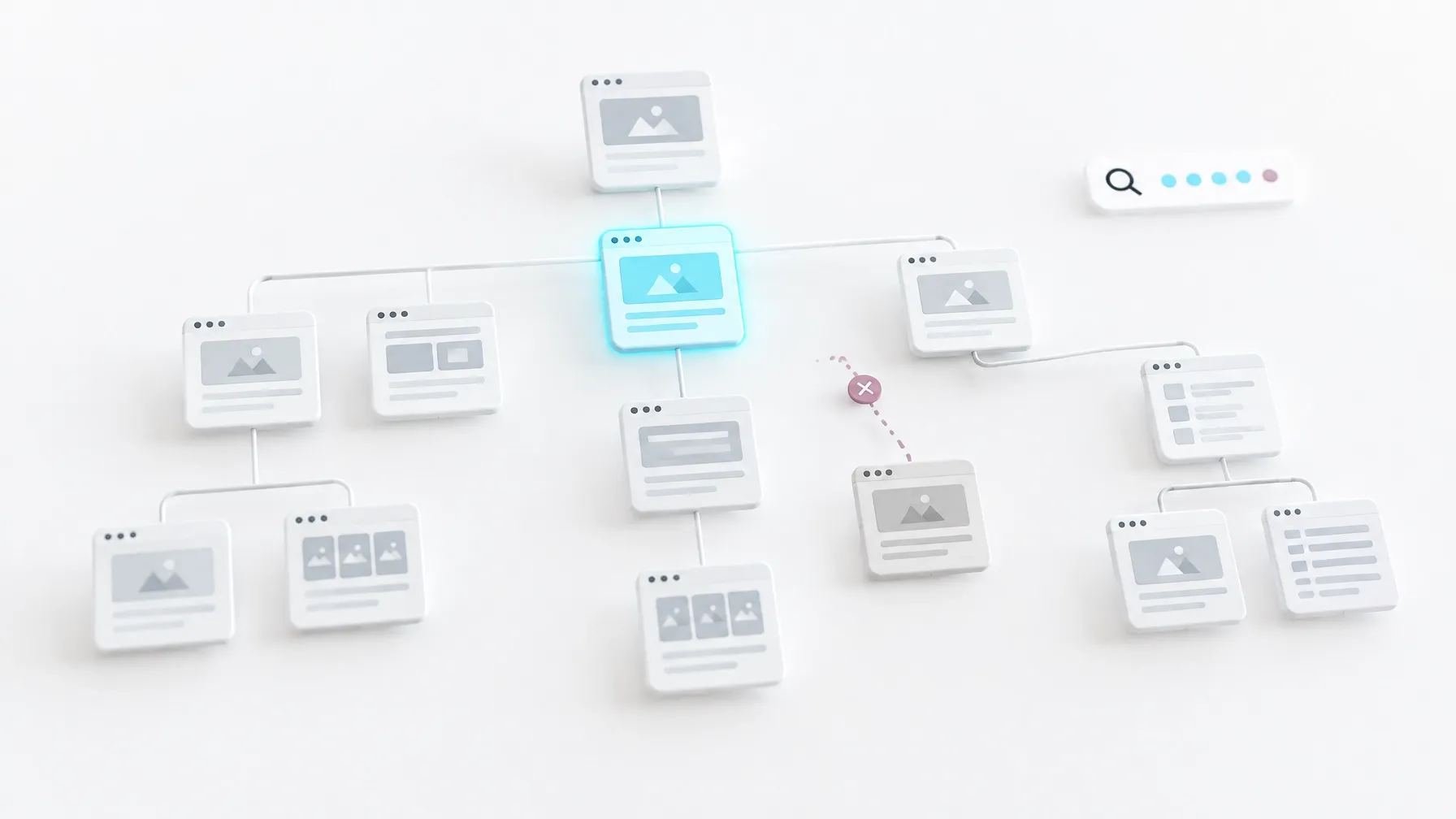
Cause three your platform makes important pages hard to read
Sometimes a website looks fine in a browser while search crawlers receive very little useful content. Important text might load only after scripts run, or a page may depend on embedded content that Google cannot interpret as expected.
This can happen with site builders, custom development, and menu or booking systems. I’ve worked on sites where a visitor could see a menu inside an embedded frame, while the page itself offered search engines little useful text about what was available. Looks great. Ranks nowhere. The technology can work for visitors and still create an indexing problem.
Check what Google sees with URL Inspection’s live test. You can also compare the page’s source with what appears after the page fully loads. My AI Visibility Checker gives you another way to compare page content with what crawlers can read.
If a platform or integration keeps key information inaccessible, the content that matters may need to be rebuilt in a crawlable format. I cover crawlability, site structure, and indexation in my technical SEO services.
Cause four something happened to the site
A manual action, a security issue, a domain or hosting lapse, or a major site move can affect visibility. A site that loses hosting access or starts returning errors may become unavailable to Google. A domain change without proper redirects can also leave search engines chasing old URLs.
In Search Console, check the Manual Actions and Security Issues reports. Check that your domain and hosting are active, key pages load, and your redirects send visitors to the right destination. If the site was hacked, address the security problem before asking Google to review it.
A reconsideration request applies when Search Console reports a manual action and you have fixed the underlying issue. Technical errors such as a server outage need to be corrected directly. Search Engine Land’s guide to what to do when a site gets deindexed outlines common causes and checks.
Cause five technical debt has piled up
A site can be reachable and still make it difficult for Google to discover or understand important pages. Broken internal links, missing sitemaps, redirect chains, pages that return 404 errors, duplicate URLs, and thin content can all contribute to a messy search footprint.
Start with the pages that matter to the business. Check that each one loads, has useful content, and is linked from somewhere else on the site. Look for redirect chains and confirm your sitemap lists the preferred URLs. If Google has found several versions of the same page, inspect which URL it selected as canonical.
That is the kind of pattern a technical SEO audit should uncover. Search Engine Land’s indexability guide is a useful reference for the factors that determine if search engines can access and index a page.

Check if the page is missing or just hard to find
If URL Inspection says a page is on Google, the issue may be ranking rather than indexing. Your business could be indexed and still fail to appear for a broad or competitive query.
For a local business, check the actual location and search terms customers use. A brand name search, a service search, and a nearby search can produce different results. My guide to local SEO explains how location pages and business information support local visibility.
I also track rankings to understand how visibility changes over time. SEO ranking tracking can help separate a technical indexing issue from a page that needs stronger relevance and content.
I’ve become more interested in visibility in AI answer engines, and honestly more interested in that than in rank reports these days. But the basics still come first, and they always will. Search systems need to find, crawl, and understand a page before anything else can work. That foundation supports the wider work of organic growth, including the way a business may appear in AI answers.
Fixes take time
After you fix a problem, Google has to crawl the page again, process it, and decide if it belongs in the index. That takes time. Nobody can responsibly promise the day a page will appear, and anyone who does is guessing with confidence.
You can control the parts on your side. Make the site accessible, remove accidental blocks, link to important pages, and give those pages useful information. Then monitor Search Console and let Google revisit the site. Repeatedly requesting indexing will not make a weak or inaccessible page ready for search.
I find the cause before recommending a fix
When a website disappears from Google, guessing can waste time. The right fix depends on what the audit finds, from one stray noindex setting to a platform that hides important content from crawlers. This is fixable stuff. Almost all of it is.
I do this kind of troubleshooting as part of SEO work, and I explain the findings in plain language. If you’re weighing outside help, my guide to hiring an SEO agency covers useful questions to ask before you sign.
If you want a practical starting point, request a free SEO audit. I’ll look for the actual obstacles and help you understand what needs attention first.